Skip to content
SunPlanner Get SunPlanner
← Guides

Field Notes

Notes from building SunPlanner.

What I have learned while building and using a solar planning app for off-grid life.

Start with the question you have.

Search the same topics used by the SunPlanner Resource Center, or browse one subject at a time.

Every published note is listed below. Search appears when this browser can run it.

Newest topic record first.

8 notes

These dates come from SunPlanner build notes and keep the newest topics first.

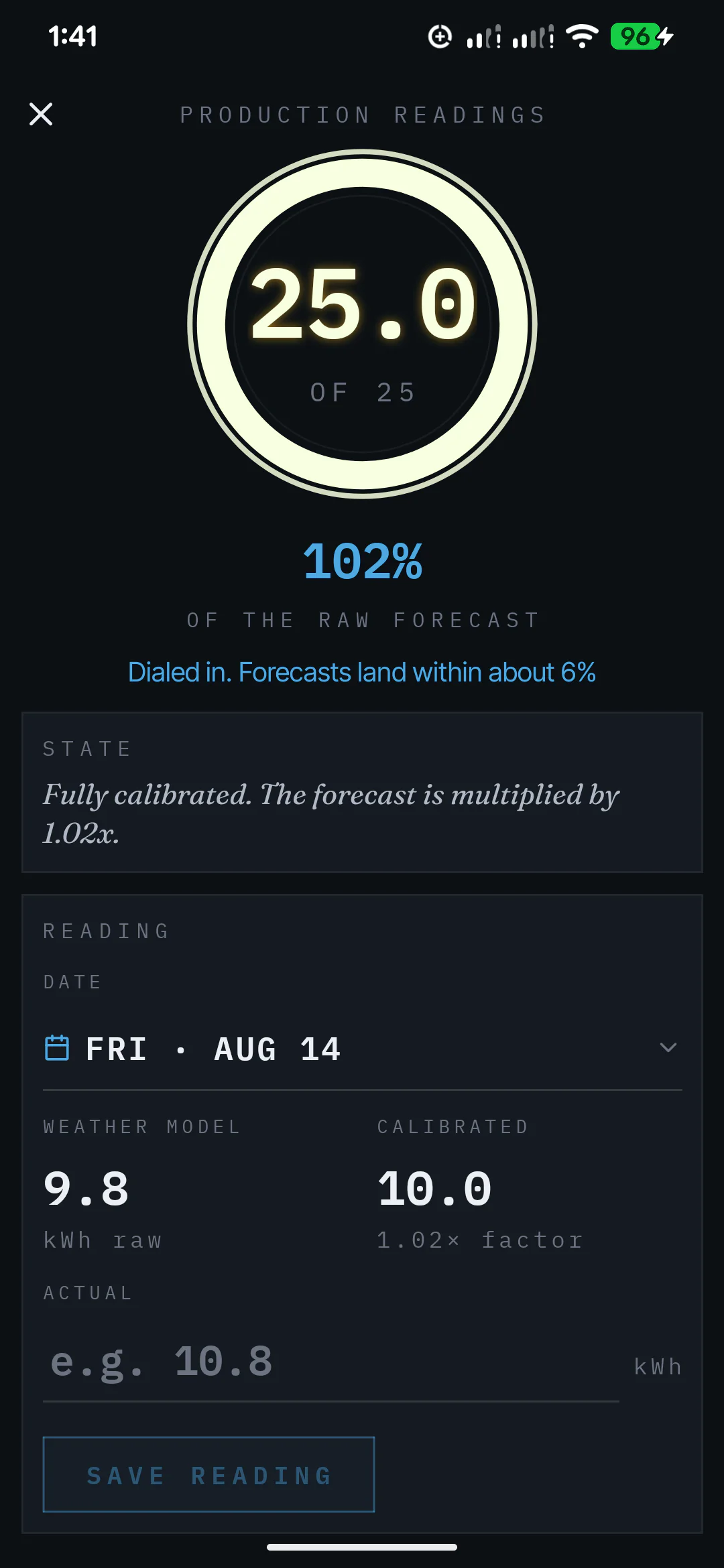
  1. SunPlanner calibration details comparing predicted and logged solar production. Calibration screen image unavailable

    Topic recorded

    Newest

    What Calibration Changes in a SunPlanner Forecast

    Calibration compares saved predictions with the production you log, then adjusts later estimates after enough usable readings.

    • calibration
    • forecasting
    • measurement
  2. SunPlanner winter scenery with snow around a solar forecast. Winter scenery image unavailable

    Topic recorded

    What Changes for Winter Solar Production

    Shorter daylight, a lower sun path, weather, and new obstruction angles can reduce winter solar production even when the same panels remain in place.

    • forecasting
    • solar array
    • shade
  3. SunPlanner panel-placement setup for array direction and angle. Panel placement image unavailable

    Topic recorded

    Why Panel Output Differs from the Sticker Rating

    Panel wattage is a standard rating, while real output changes with sunlight, temperature, angle, system losses, and the conditions around the array.

    • solar array
    • forecasting
    • measurement
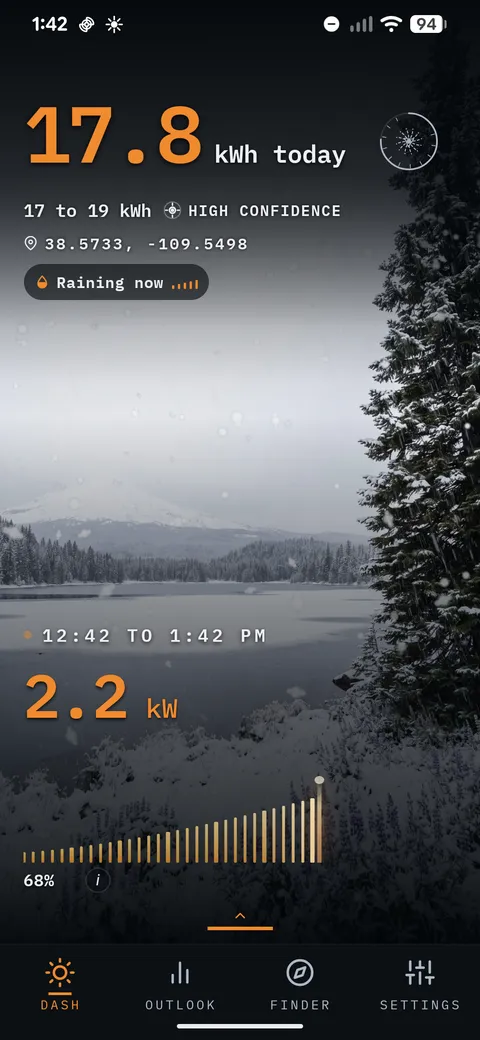
  4. The SunPlanner forecast shown on a phone. SunPlanner phone image unavailable

    Topic recorded

    Why I Built SunPlanner

    A purchased solar app did not move with me when I changed phones, so I built my own. Using it exposed the forecasting problem I wanted to solve.

    • forecasting
    • calibration
  5. Topic recorded

    How to Size a Battery Bank for Off-Grid Life

    Start with daily energy use, choose how many backup days you want, and use an editable battery-capacity assumption to estimate the bank you may need.

    • battery
    • energy use
    • system design
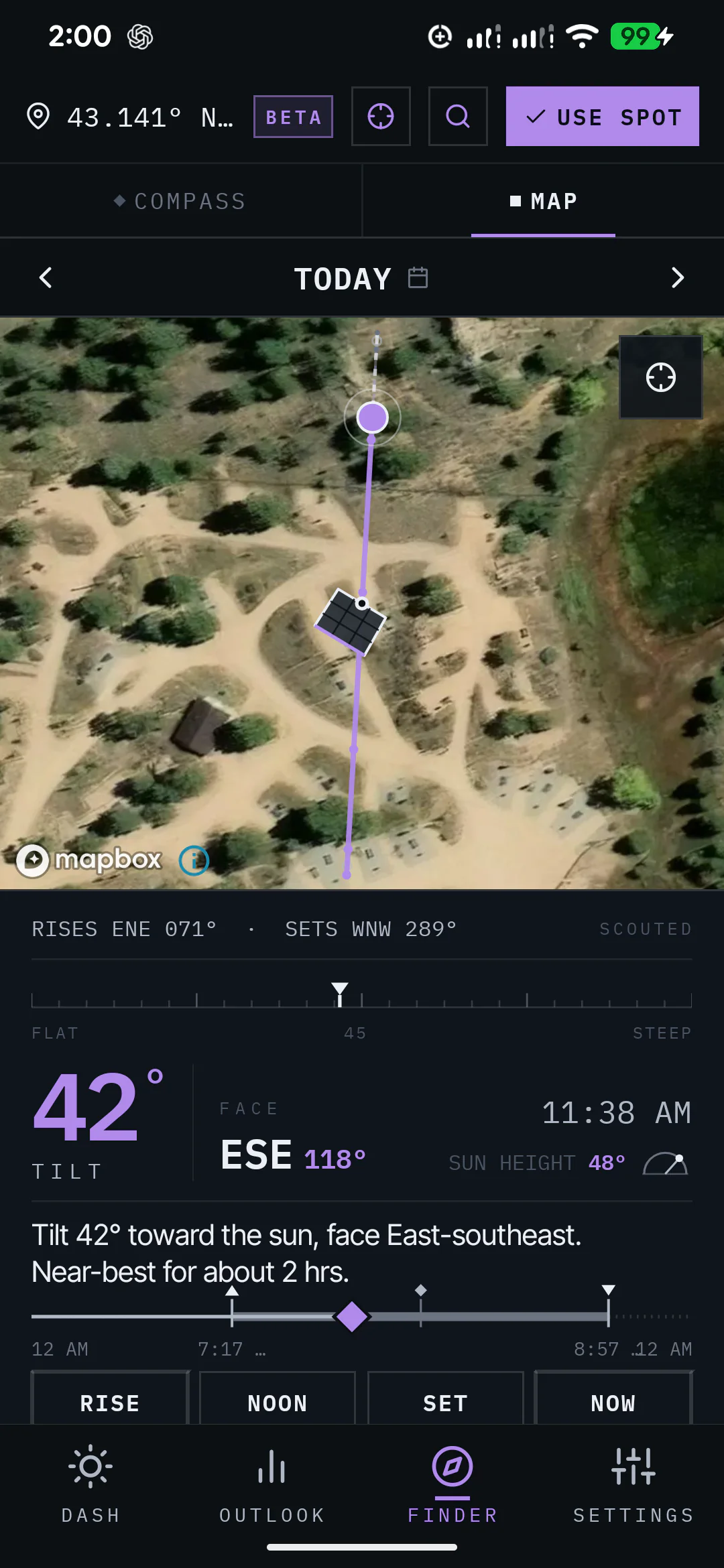
  6. SunPlanner Sun Finder location view for planning around the sun path. Sun Finder screen image unavailable

    Topic recorded

    Plan Tomorrow's Camp by Sun Before You Drive There

    Use Sun Finder to compare the sun path and panel direction at a place you are considering before you commit to the drive.

    • location
    • shade
    • solar array
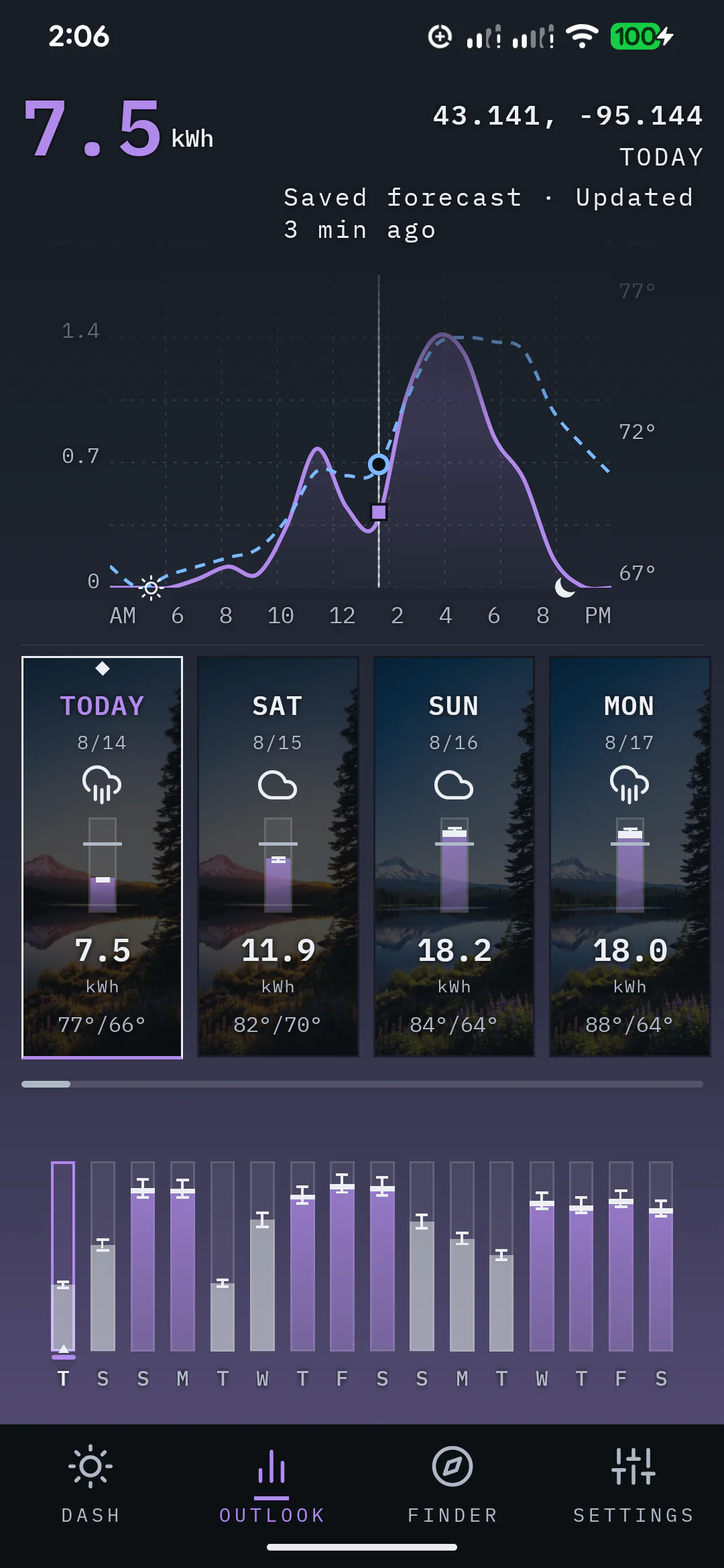
  7. SunPlanner 16-day Outlook with daily solar forecast cards. 16-day Outlook image unavailable

    Topic recorded

    How SunPlanner Turns Weather into a Solar Range

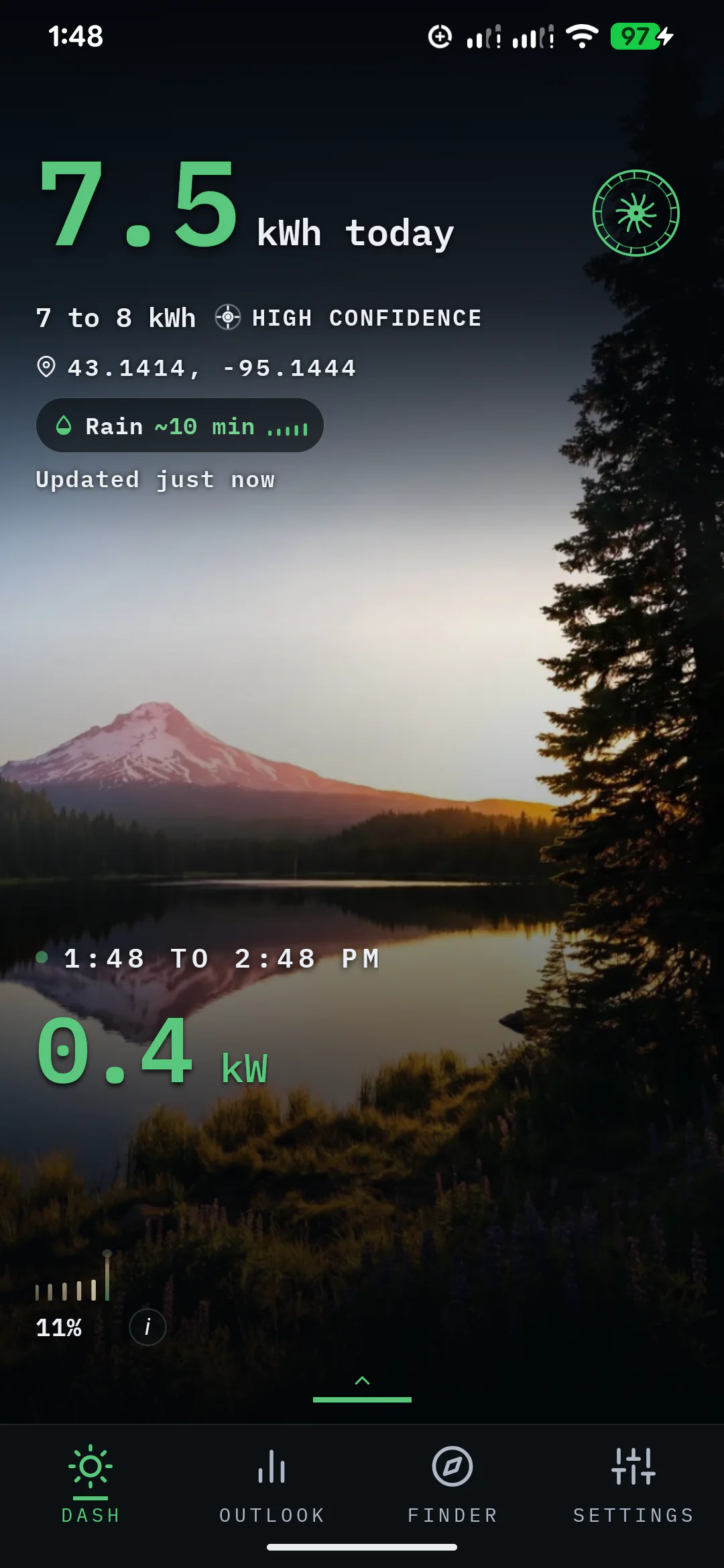
    SunPlanner combines forecast conditions with your configured solar system, then shows a daily estimate, expected range, and confidence for planning.

    • forecasting
    • measurement
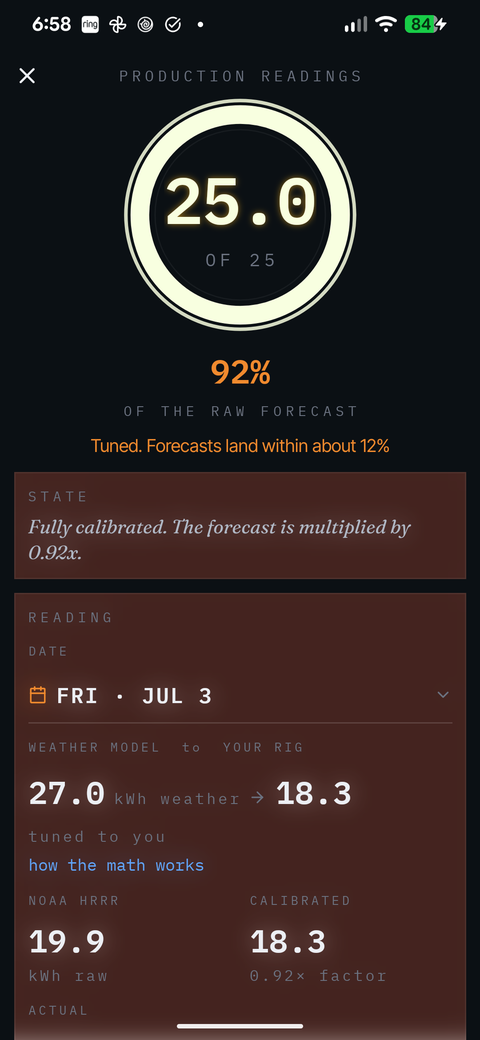
  8. SunPlanner calibration progress built from logged production readings. Calibration progress image unavailable

    Topic recorded

    How SunPlanner Calibration Learns Your Setup

    SunPlanner starts calibrating after three usable production readings. Here is what it compares, what it ignores, and how the estimate keeps adjusting.

    • calibration
    • forecasting
    • measurement
Plan with your own setup

See what the forecast looks like in practice.

SunPlanner is available now for Android.

Available now on Google Play